For Plex · Google Nest Hub · Self-hosted
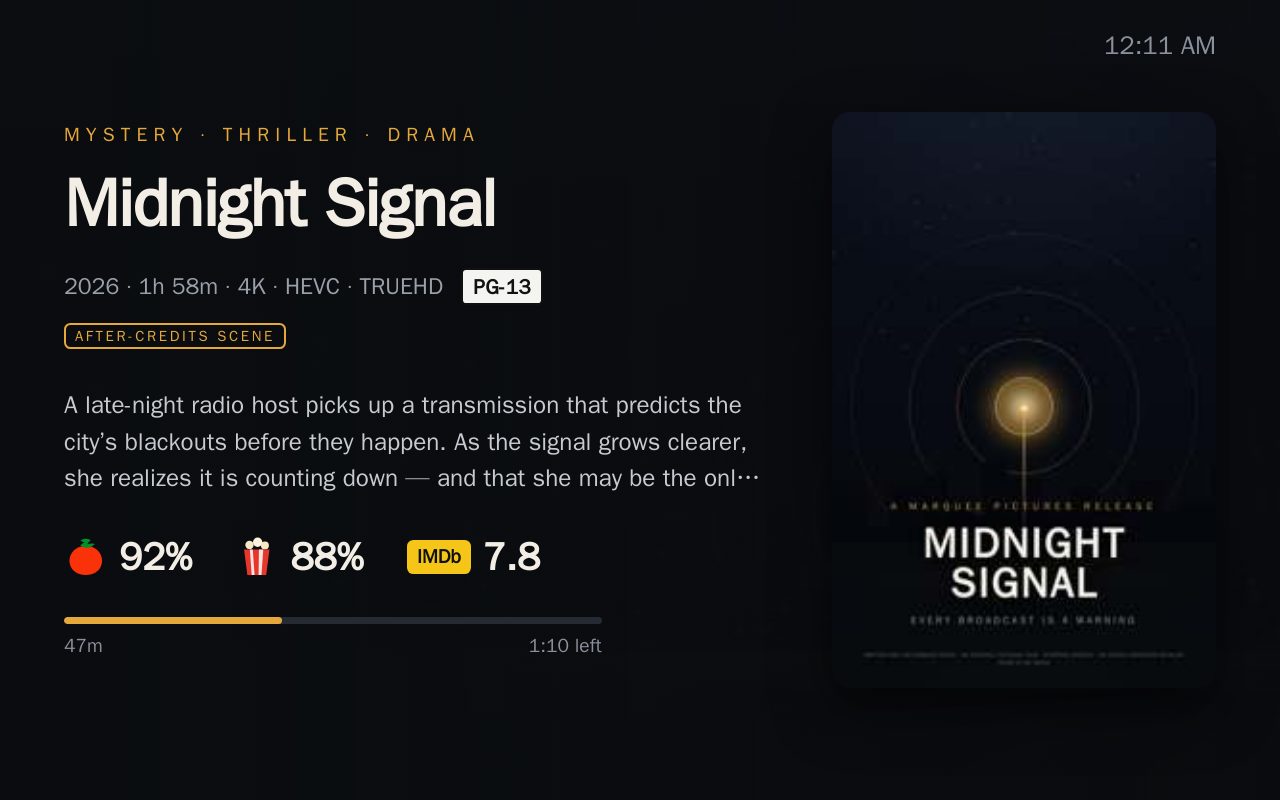
Marquee turns a Google Nest Hub into a cinematic now-playing display for Plex — poster, ratings, progress, and a clock, cast the moment you press play and gone when the credits roll.

How it works
One container, four settings: your Plex server, its token, the Hub's IP, and the card URL. Up in about a minute.
Marquee polls Plex every few seconds. When a movie or episode starts, it pulls the poster, logo, ratings, and details automatically.
The card is cast to the Hub while you watch and released when playback stops — your photo frame comes right back.
Five compositions
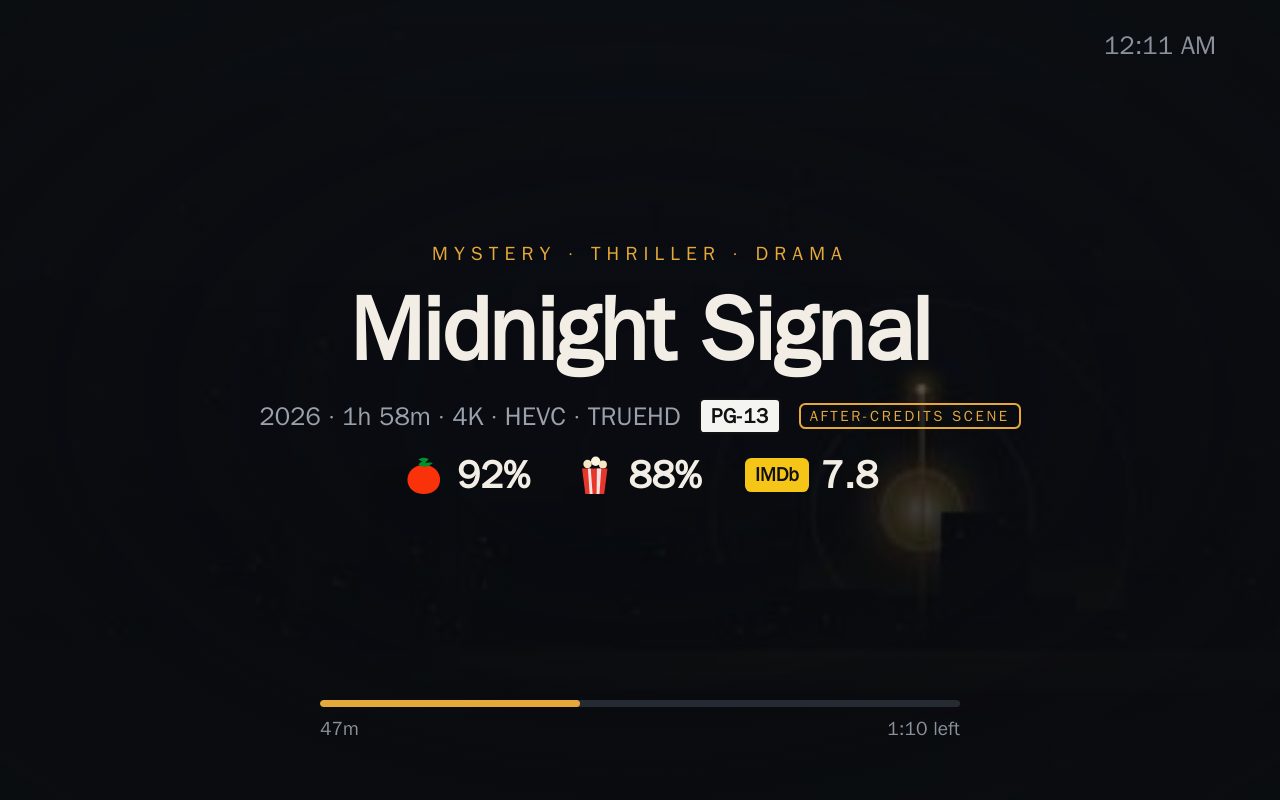
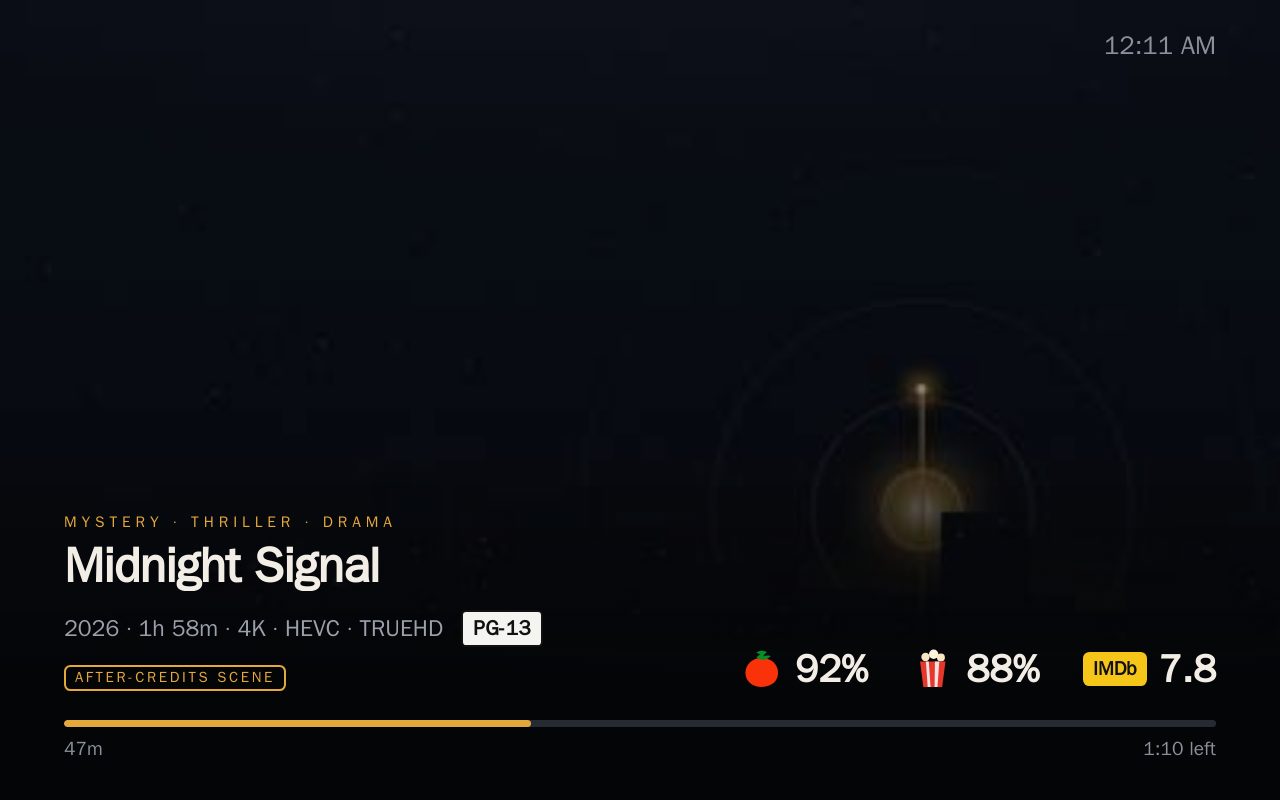
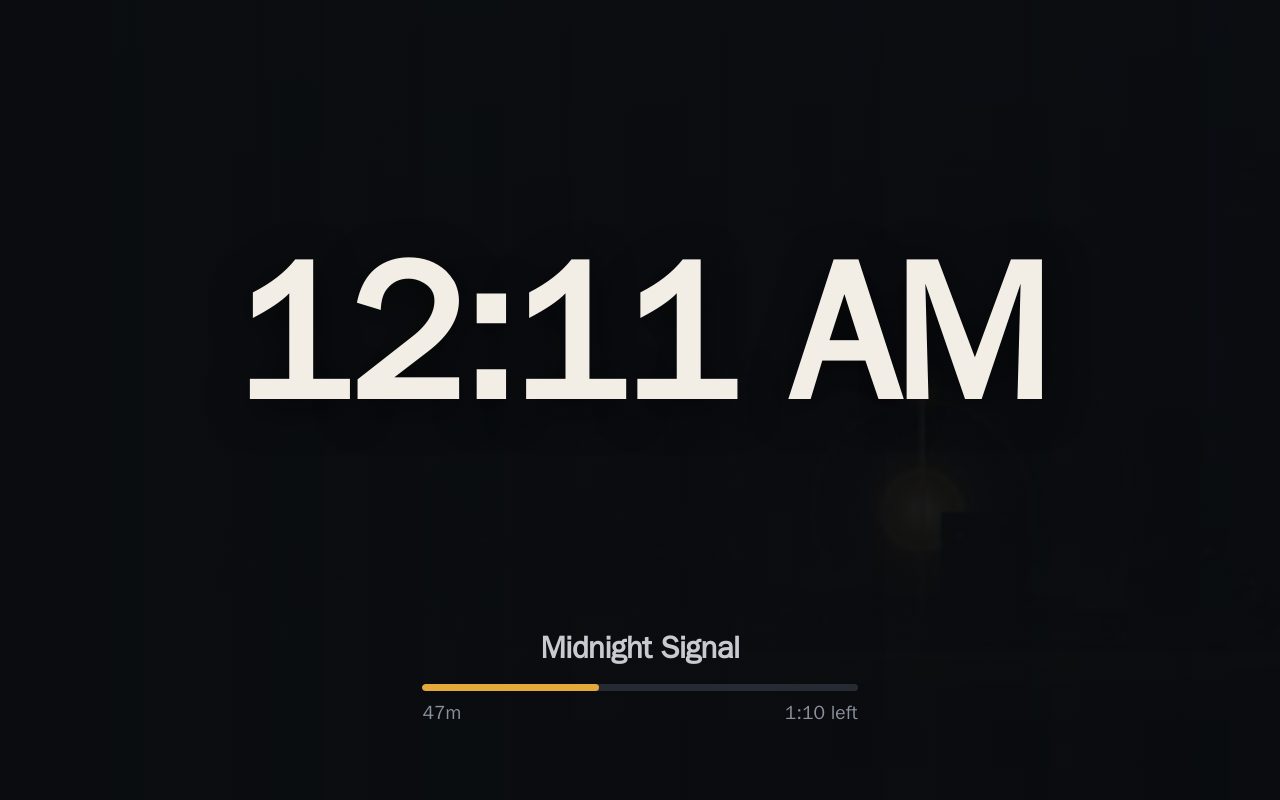
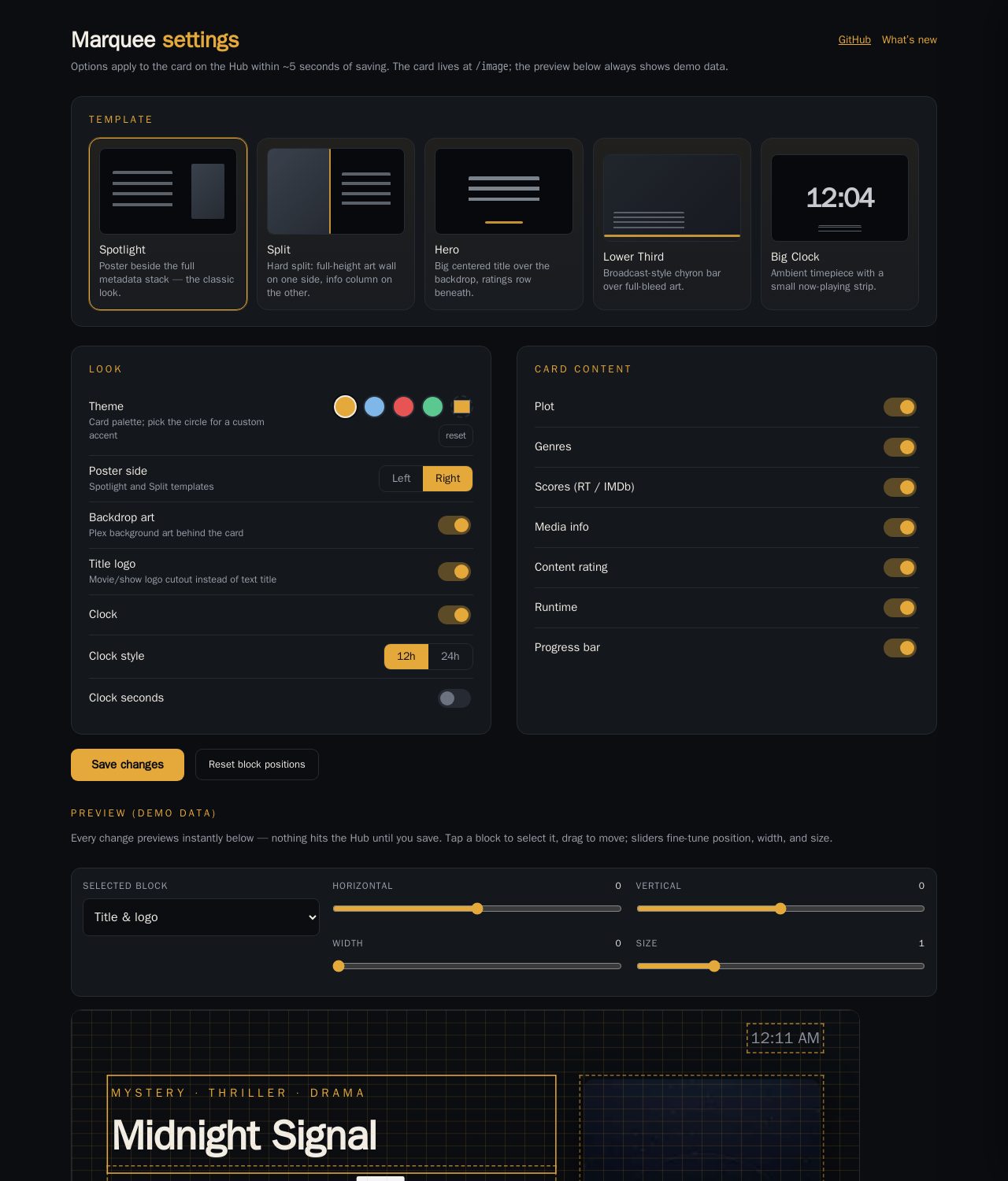
Every template is a hand-designed arrangement of the same blocks — switch between them live from the settings page.
Built from blocks
Rotten Tomatoes critic and audience scores sit beside IMDb as one designed group — never scattered across the card.
Drag blocks in the demo preview, or fine-tune position, width, and size with sliders. Nothing hits the Hub until you save.
Plot, genres, scores, media info, rating badge, runtime, progress, clock — every block toggles on and off.
12 or 24-hour, optional seconds, and a whole template where the clock is the show.
Playback starts, the Hub shows the card. Playback stops, the Hub goes back to ambient mode. No taps, ever.
Runs on your LAN with no login and no cloud. Your Plex token never leaves the server.
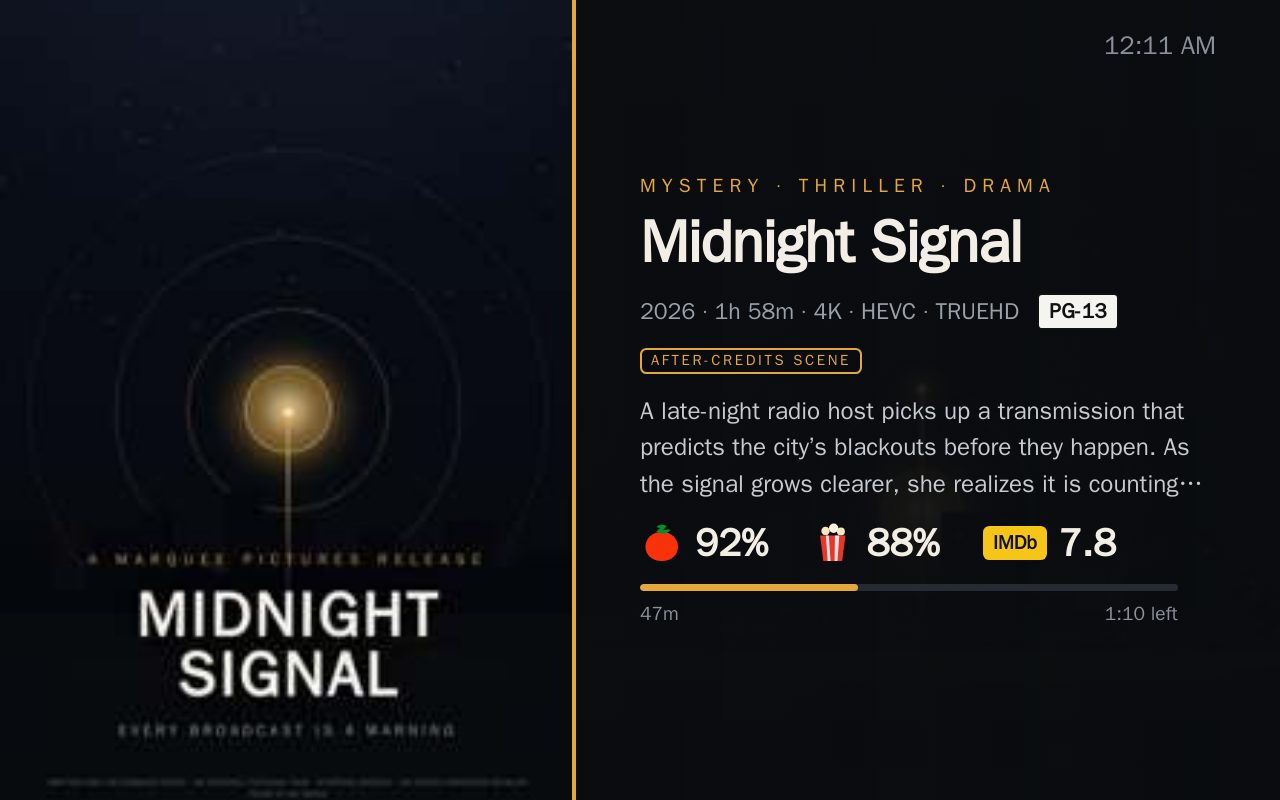
Four themes + yours
Try it — this page re-tints the same way the card does. Amber, Ice, Crimson, and Emerald ship as themes, and a color picker makes the accent anything you want.
Install
# swap in your IPs and Plex token docker run -d --name marquee --network host \ -e HUB_IP=192.168.1.50 \ -e PAGE_URL=http://192.168.1.10:8084/image \ -e PLEX_HOST=http://192.168.1.10:32400 \ -e PLEX_TOKEN=your-token \ -v marquee-config:/config \ jamisonfitz/marquee:latest
Grab the template from the repo — appdata path, icon, web UI link, and
update notifications all wired in. Settings live at
http://server:8084/, the card at /image.